EN


How to Choose an Engwe M20 Display Replacement Without Compatibility Mistakes
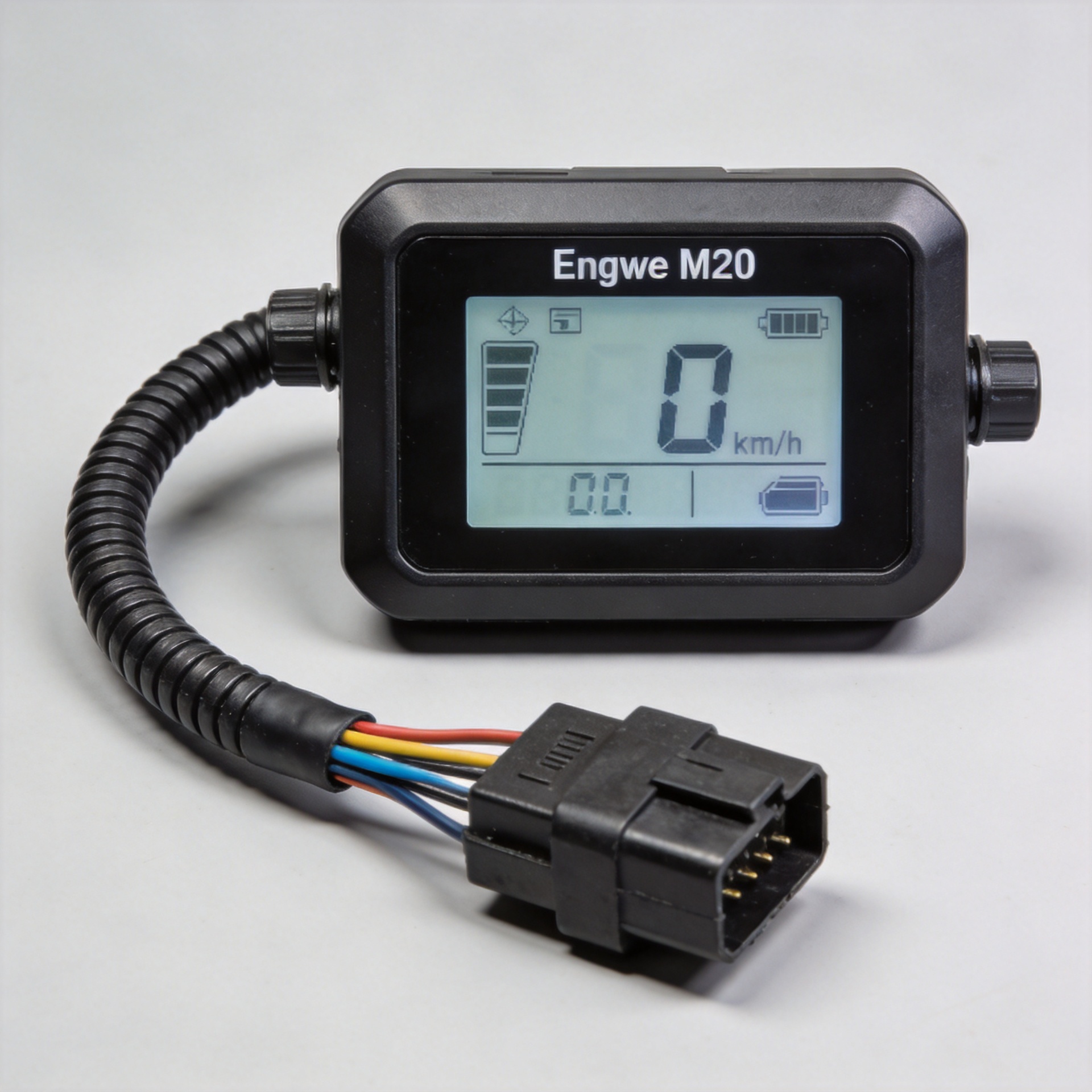
An Engwe M20 display replacement can look like a straightforward spare-part purchase: the screen shape appears right, the plug looks familiar, and the listing says it is for an e-bike. In practice, that is not enough. A display is part of the bike’s control system. It needs to match the version of the bike, the controller it communicates with, the connector arrangement, and sometimes the settings or firmware family already on the bike.
For repair shops, resellers, and owners sourcing an Engwe M20 display replacement, the safest approach is to treat compatibility as a verification task rather than a visual comparison. This guide explains what to check before you order and what evidence to send a parts supplier.
Why a Similar-Looking LCD Display E Bike Screen May Still Be Wrong
An lcd display e bike screen does more than show speed and battery bars. It exchanges information with the controller, receives button commands, and may be expected to display speed, assist level, fault information, and battery status in a particular format. Two screens can share a similar housing or cable outlet but still fail to communicate correctly after installation.
That is why a connector alone is not proof of fitment. Plug keying, pin count, wire order, voltage expectations, controller protocol, and display settings all matter. It is also sensible to distinguish the original M20 configuration from later or revised configurations. Search results for M20 screens themselves show listings that identify an “old version,” which is a useful reminder not to assume every M20-labelled display is interchangeable.
In a workshop, the costly mistake is often not buying the wrong screen; it is fitting it, discovering that the bike does not power on or report correctly, and then losing time tracing whether the problem is the display, controller, harness, or configuration.
Start With the Controller, Not the Screen Listing
Before choosing an Engwe M20 display replacement, inspect the controller label and the existing display cable. The controller is the component that must understand the display. Record the controller model or part number, voltage marking, production or version information if present, and every label that can be photographed clearly.
If the old display still turns on, take photos of its startup screen, settings pages, and any label on the rear of the unit. If it is damaged or dead, the rear label, cable tag, controller label, and bicycle serial information become even more important. Do not replace missing evidence with an assumption based on the bike’s color, frame style, or purchase year.
When the original controller is also being replaced, confirm the display and controller as a matched system. For example, this Engwe M20 old controller AXC013 replacement should be evaluated together with the display version, not as an independent universal upgrade.
Use a Four-Point Compatibility Check
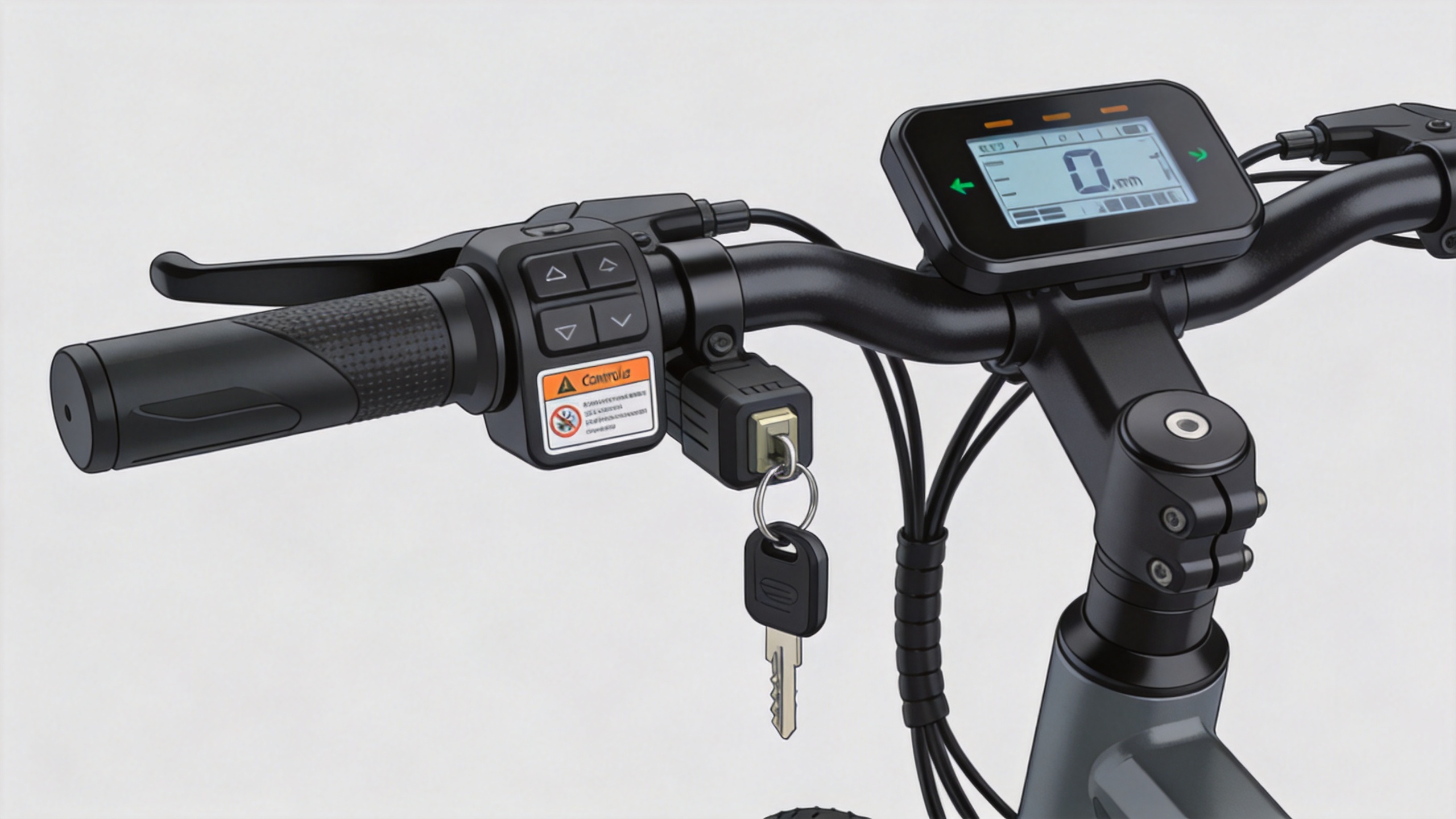
A practical Engwe M20 display replacement decision can be organized into four checks. Each one rules out a different type of mismatch.
- Model and version: Compare the original screen’s label and the controller label with the supplier’s stated compatible version. Ask specifically whether the item is intended for an older or revised M20 setup.
- Connector and harness: Photograph both mating connectors from the front and side. Count pins only when they can be seen safely; note the connector shape, keyway, locking style, and cable length. A matching plug shell does not establish matching wiring or communication.
- Electrical and communication match: Confirm that the display is designed for the installed controller rather than merely for an e-bike of similar voltage. Avoid cutting, repinning, or improvising an adapter unless a qualified technician has verified the full wiring and protocol relationship.
- Function and settings: Ask which functions are expected to work after installation: power-on, speed reading, battery indication, assist control, lights, walk mode, and fault display. If setup parameters are required, obtain the correct procedure before the part is fitted.
What an Ebike LCD Comparison Should Include
When comparing an ebike lcd replacement, build a small evidence table instead of relying on a product thumbnail. It reduces back-and-forth and gives the supplier something concrete to verify.
| Evidence to provide | Why it matters |
|---|---|
| Photo of the original display front and rear | Helps identify the screen family, button layout, label, and cable exit. |
| Close-up photos of both connectors | Lets the supplier compare housing shape, keying, pin positions, and harness style. |
| Controller label photo | Supports a protocol and controller-version check. |
| Bike serial number and purchase/version details | May help separate revision groups when external parts look similar. |
| Photos of any error code or symptom | Helps determine whether a display replacement is likely to solve the original fault. |
This is especially helpful for bulk purchasers. A simple intake checklist makes it easier to group orders by confirmed configuration instead of sending one generic screen to several different M20 variants.
Do Not Mistake a Replacement Part for a Universal Upgrade
Some buyers seek an lcd display e bike unit with more features or a different visual interface. That can be a separate controller-and-display conversion project, not a drop-in Engwe M20 display replacement. The more the new screen differs from the original, the more important it is to validate the entire control-system pairing.
A display intended as an exact replacement is usually the lower-risk choice when the goal is simply to restore normal operation. For an exact-match option, review the product information and provide the evidence checklist above when asking about the Engwe M20 display replacement screen. Product titles help identify the category, but final confirmation should still be based on the original parts and controller evidence.
Pre-Order Questions to Send Your Supplier
- Is this item confirmed for my exact M20 display and controller version?
- Which photos or part numbers do you need to verify compatibility?
- Does the replacement use the same connector housing, pin arrangement, and cable length as my original?
- Are any settings, passwords, firmware steps, or paired components required after installation?
- Which display functions are expected to work with my current controller?
- If the original screen and controller are both unavailable, do you recommend a matched replacement set rather than a screen alone?
Final Checklist Before You Buy
Choose an Engwe M20 display replacement only after you have matched the bike version, original display label, controller label, connector evidence, and expected functions. If one of those points is unknown, pause and gather photos rather than guessing. That small delay is usually far less expensive than installing a screen that powers on but does not communicate correctly.
For parts buyers, clear evidence is also the fastest route to an accurate compatibility review. Share the checklist in one message, ask for confirmation against the actual controller and display version, and keep that confirmation with the order record. It creates a more reliable process for a single repair and for recurring e-bike spare-parts purchasing.