EN
EN


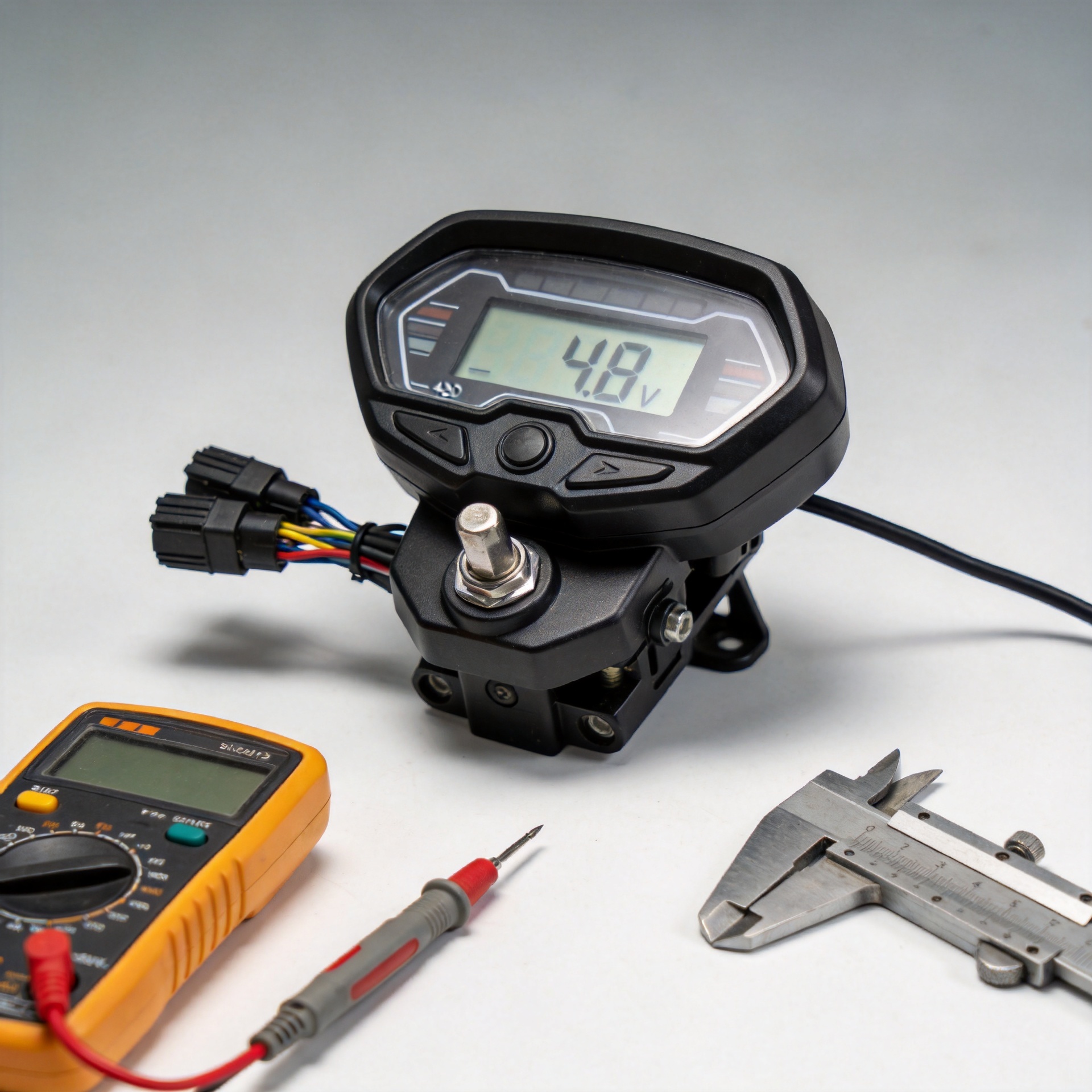
48V LCD Display Compatibility Checklist for KuKirin G3 Pro Replacement
A blank, cracked, or erratic dashboard makes a scooter difficult to diagnose, but buying a replacement by voltage alone is a common mistake. 48V electric scooter LCD display compatibility is a system question: the replacement must make sense with the scooter version, controller, wiring, mounting position, and expected exposure to rain. This checklist gives you a practical way to verify a KuKirin G3 Pro display before ordering.
As a parts-selection principle, start with the original assembly rather than a generic listing. A label that says “48V” is useful, but it does not confirm the connector pinout or the communication method used by the controller. If you are buying for a repair shop or stocking spares, documenting those checks before the order can prevent an avoidable return cycle.
Why 48V Is a Starting Point, Not a Compatibility Verdict
The system voltage should agree with the vehicle specification, so checking for a 48V replacement is an important first gate. It is not the final gate. Displays commonly exchange more than simple power with a controller: they can carry speed information, mode commands, fault information, lights, or other control signals. Two screens may look similar and even use similarly shaped plugs while communicating differently.
That is why the right question is not “Is this a 48V screen?” but “Is this a 48V screen intended for my exact scooter/controller combination?” For 48V electric scooter LCD display compatibility, avoid treating an advertised multi-voltage or universal meter as interchangeable with a model-specific part unless the seller has confirmed the complete pairing.
1. Confirm the Exact KuKirin G3 Pro Version and Original Part
Begin with the scooter’s exact model designation, production version if known, and the original display’s markings. Photograph the front and back of the old screen, its connector, cable exit, mounting points, and any part number. A small revision in the dashboard or controller can matter even when the scooter name is the same.
- Compare the model name on the order page with the label or documentation from your scooter.
- Ask the supplier whether the listing covers your particular G3 Pro version, not just the G3 family.
- Keep photos of the original part available for pre-order confirmation.
- If the old screen still powers on, record what functions work and which ones fail; this helps distinguish a display fault from a controller or wiring problem.
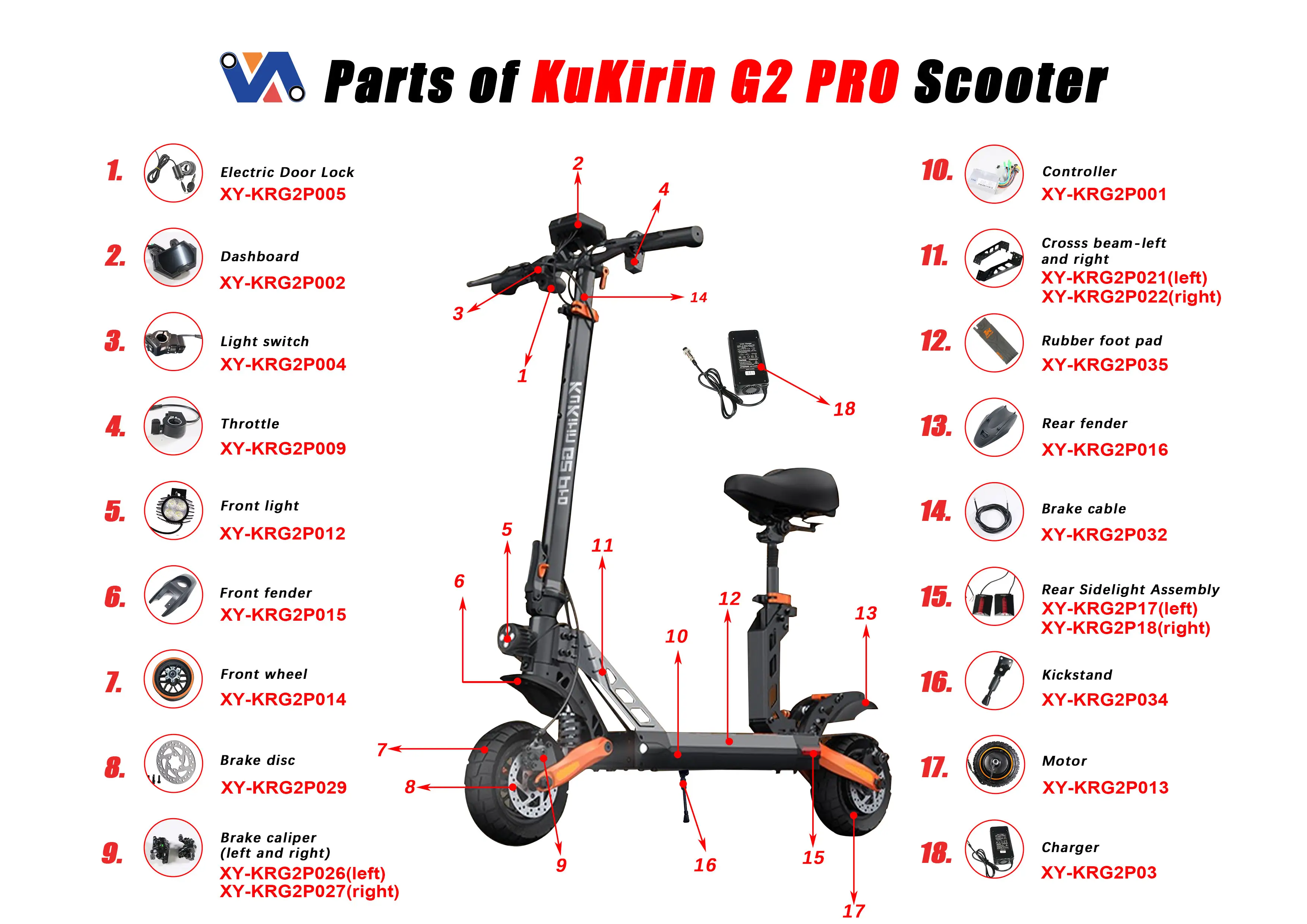
For a model-specific option, review the product page for the 48V LCD Electric Scooter Display Screen for Kukirin G3 Pro Replacement alongside your original-part photos. Treat the page as an order-validation reference, not a substitute for checking the scooter itself.
2. Match the Cable, Plug, and Pin Arrangement Before You Buy
The cable check is where many otherwise plausible replacements fail. Count pins, note the plug shape and keyway, inspect whether the cable is fixed or detachable, and compare the length and exit direction. Do not assume that the same pin count means the same wiring. A connector can mate physically while carrying power and signal lines in a different arrangement.
Ask for clear connector photos from the supplier if the listing does not show them. Compare those photos to the original at the same angle. If colors are visible, regard them as a clue only; wire colors are not a universal wiring diagram. For Kukirin G3 Pro display screen replacement planning, the safest path is written confirmation that the replacement matches the original controller/display system.
3. Verify Controller Communication, Not Just Electrical Power
A dashboard can receive power yet still fail to operate the scooter correctly when the controller communication is wrong. Symptoms can include a screen that lights up but shows incorrect information, missing drive modes, no throttle response, or fault behavior that was not present before. That is why 48V electric scooter LCD display compatibility must include the controller side of the check.
Before ordering, provide the controller label or a photo of its connectors if you can access it safely. Ask whether the proposed display is designed to work with that controller generation. Do not open battery or controller housings unless you are qualified and the scooter is fully powered down; electrical work can create safety and warranty concerns.
4. Compare Physical Fit and the Waterproofing Interface
Electrical matching is only half the job. Check the display housing dimensions, screw-hole positions, handlebar or stem mounting shape, cable routing, and clearance around brake levers or folding hardware. A screen that fits the connector but cannot sit flat or route its cable without stress is not a good replacement.
For a waterproof 48V scooter dashboard replacement, inspect how the original assembly resists water: look for a gasket, sealed cable entry, intact housing edges, and the way the part seats against the scooter. “Waterproof” in a listing should not be read as permission to submerge the scooter or ignore damaged seals. After installation, inspect the fit before exposing the scooter to wet riding conditions.
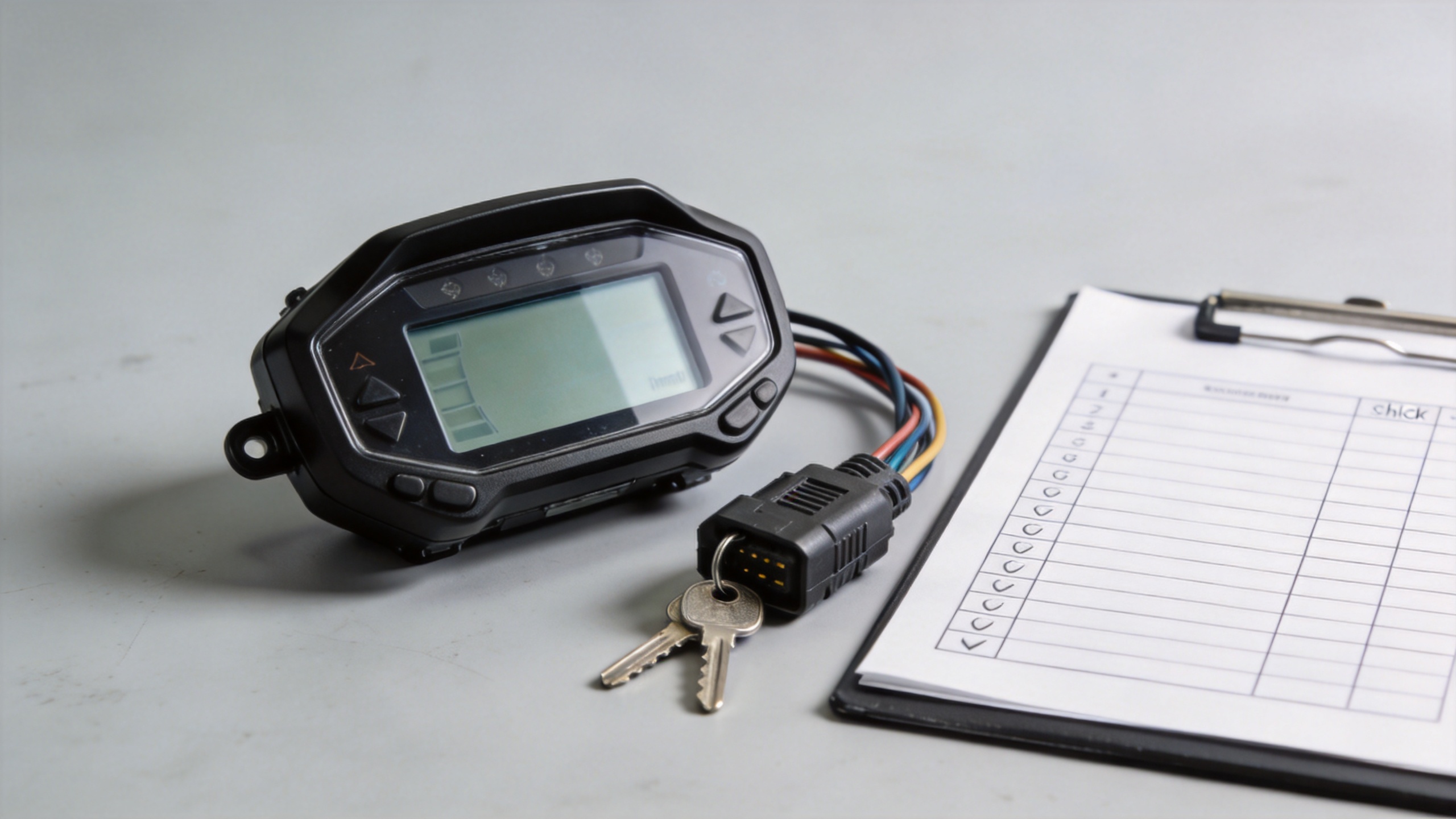
5. Use This Pre-Order Compatibility Checklist
| Check | What to verify | What to do if unclear |
|---|---|---|
| Voltage | The scooter system and replacement are both specified for 48V. | Stop and confirm the original vehicle specification. |
| Model version | The listing explicitly fits your KuKirin G3 Pro version. | Send the seller model and original-part photos. |
| Connector | Plug shape, keyway, pin count, cable style, and orientation match. | Request close-up connector images and do not rely on pin count alone. |
| Controller pairing | The replacement is confirmed for the existing controller/display communication. | Share a controller label or connector photo for confirmation. |
| Mounting | Housing, holes, cable route, and clearances suit the original position. | Measure the old unit and compare before purchase. |
| Weather sealing | Gasket, cable entry, and housing fit can be restored without damage. | Replace damaged seals and inspect the final fit. |
6. Inspect Before Installation and Test Methodically
When the replacement arrives, compare it with the old display before removing connectors. Check the housing, plug, pins, cable jacket, and mounting features. Disconnect power according to the scooter’s service guidance, avoid forcing a connector, and keep the cable away from sharp edges or pinch points.
After fitting it, test basic functions in a safe, supported position before riding: power-up, readable status information, controls, lights if applicable, and error indications. A short stationary check does not prove every function is correct, but it can reveal a mismatch before the scooter is used on the road. If behavior is abnormal, stop rather than repeatedly cycling power or forcing settings.
Final Decision: Order Only When the Evidence Lines Up
The most useful rule for 48V electric scooter LCD display compatibility is simple: confirm several matching points, not one. A 48V label, a familiar-looking plug, and a similar housing are each helpful clues; together with verified controller pairing and physical fit, they become a sound purchasing decision.
For a Kukirin G3 Pro display screen replacement, prepare the scooter version, original display photos, connector details, and installation measurements before placing the order. That small amount of preparation helps you evaluate a waterproof 48V scooter dashboard replacement on compatibility rather than appearance alone.