EN
EN


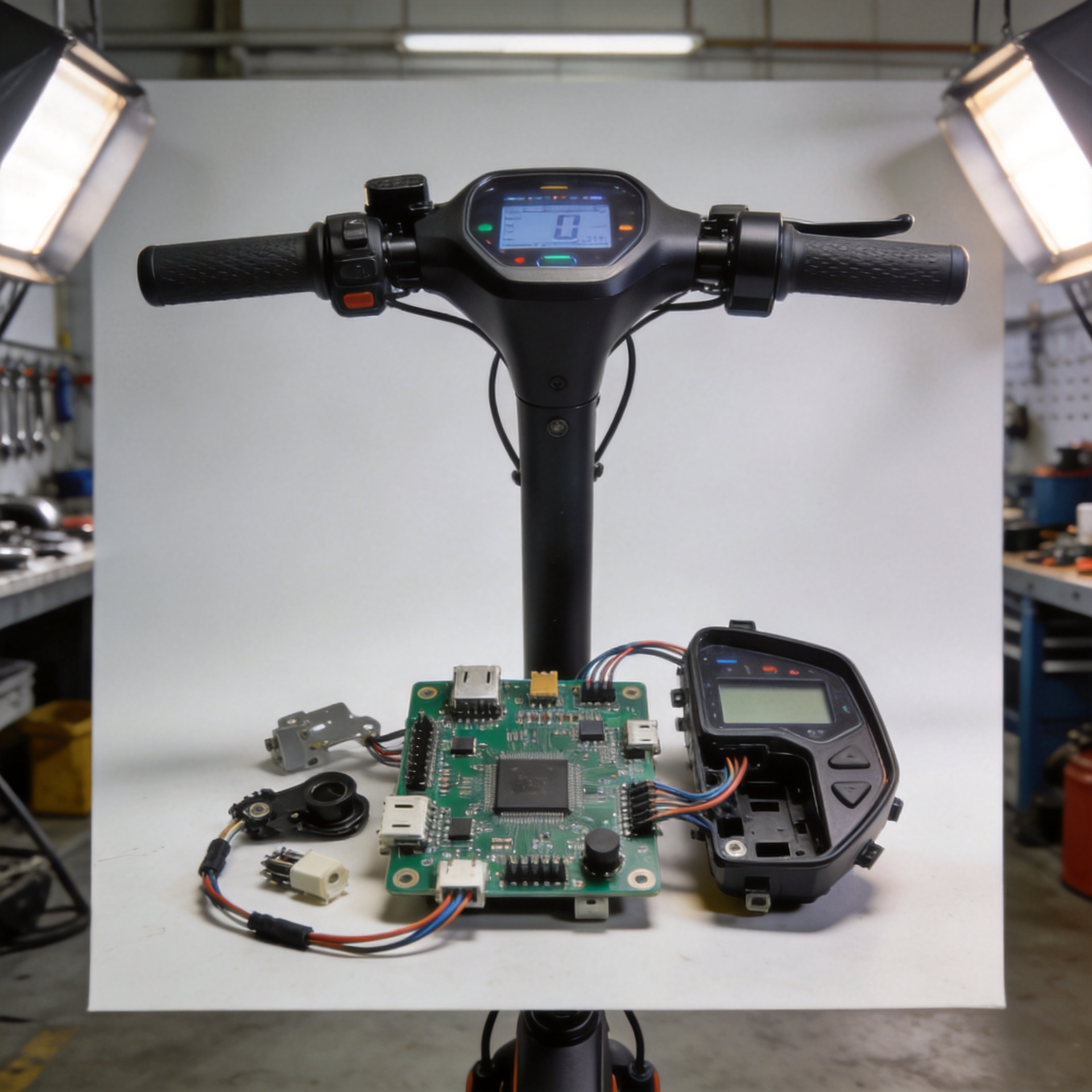
Electric Scooter Dashboard Problems: A Basic Checklist Before Replacing the Display
A blank, flickering, or implausible scooter dashboard display is frustrating, but it is not automatic proof that the display has failed. The display is only one visible part of the scooter’s electrical communication path. The battery, wiring loom, brake cut-off circuit, and electric scooter control board can all influence what appears on the screen.
This checklist is designed for a safe first pass before buying a replacement. It is not a wiring modification guide or a substitute for a qualified technician. If you smell burning, see melted insulation, find water inside an enclosure, notice battery swelling, or lose reliable throttle or braking behavior, stop using the scooter and arrange professional inspection.
Start with a safety and symptom record
Before unplugging anything, write down the scooter model, the nominal battery voltage shown on the battery label, the display symptom, and when it happens. Note whether the screen is fully dark, powers on but reports the wrong speed or battery level, resets while riding, or shows an error code. A short video of the startup sequence can also be useful when comparing a replacement scooter dashboard display with the original.
That record matters because a display complaint can originate upstream. For example, a screen that only fails after vibration may point to an intermittent connector, while a screen that stays dark with no lights, horn, or response can suggest checking the power path before assuming the display is defective.
1. Confirm the basic power path without opening the battery
Use the manufacturer-approved charger and allow a normal charging cycle. Check that the charger and charging port appear intact, then make sure the scooter’s power button is being held or pressed according to its normal startup procedure. If your model has a key switch, app lock, or transport mode, verify that it is released.
Do not short terminals, probe a battery pack unless you are trained and equipped to do so, or bypass a fuse. The practical goal is simply to rule out an obvious no-power condition before treating the dashboard as the failed part. An electric scooter control board cannot send a stable display signal if its battery input or enable circuit is not operating normally.
2. Inspect the display cable and connector condition
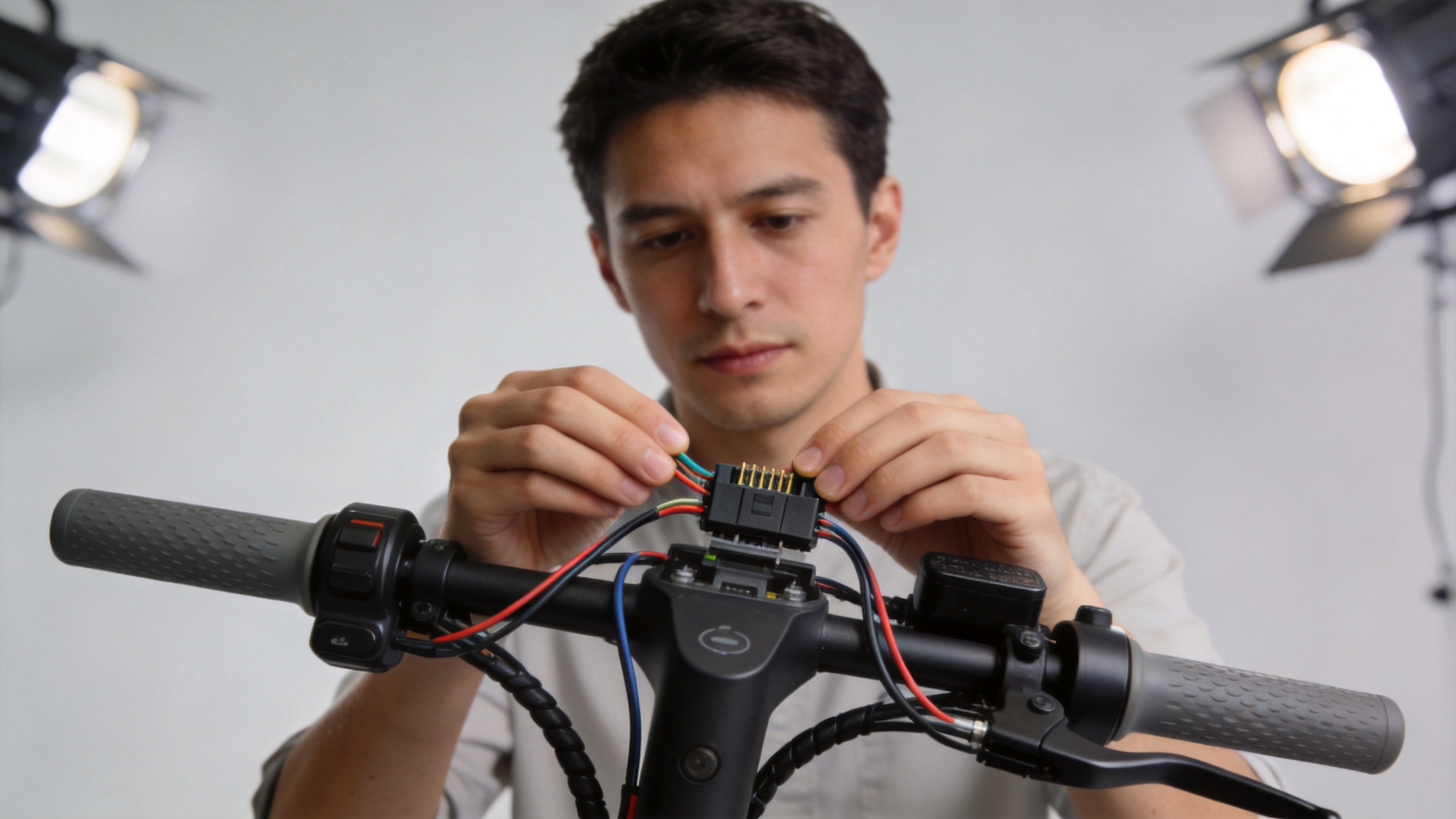
With the scooter powered off and disconnected from charging, inspect the external section of the cable between the stem display and the deck or controller area. Look for pinched insulation near folding points, sharp bends, loose strain relief, corrosion, or a connector that is not fully seated. If the connector is intended to be disconnected by the manufacturer, separate and reconnect it gently, keeping it dry and aligned.
Do not force a plug or use wire color alone to decide where it belongs. Similar-looking connectors can carry different pin assignments and communication protocols. A connector that fits physically may still be unsuitable for a particular electric scooter control board.
3. Check for clues from related controls
Observe what still works. Do the lights, horn, throttle response, charging indicator, or app connection behave normally? Do brake levers cause the dashboard to change, shut down, or display an alert? These observations do not diagnose a component by themselves, but they help narrow the next conversation with a service technician or parts supplier.
- Screen dark, other functions also inactive: prioritize power-path, fuse, battery connection, or controller-enable checks.
- Screen lights but numbers or icons are abnormal: record the exact symbols and check for loose display connections before ordering parts.
- Screen resets during bumps or steering: inspect accessible cable routing and connector seating for movement or strain.
- Error code plus reduced power or unsafe behavior: stop riding and use the manufacturer’s service information or a qualified repair provider.
4. Verify the replacement is compatible with the controller
Compatibility is the key purchasing step. A replacement scooter dashboard display needs more than a similar shape, mounting pattern, or connector count. Confirm the scooter model and production version, display part number where available, battery-voltage range, controller label, connector pin count, and supported communication protocol. Ask the supplier whether the item is intended to work with your existing electric scooter control board, not merely whether it resembles your original screen.
For buyers sourcing replacement parts, preserve photos of both labels and the connector face before removing anything. New Image lists a Xiaomi Mi4 Lite electric scooter dashboard display replacement part; however, the product title alone does not establish compatibility with every scooter or controller. Confirm the exact model and electrical configuration before placing an order.
5. Use this before-you-buy checklist
| What to record | Why it matters | Safe action |
|---|---|---|
| Scooter model and production version | Model names can include different electrical revisions. | Photograph the frame label and original display. |
| Battery nominal voltage | The display and controller must support the scooter’s system voltage. | Read the original label; do not infer it from wire colors. |
| Controller label or part number | It helps verify the display-to-controller pairing. | Use accessible label information or a technician’s inspection. |
| Connector face and pin count | Physical fit does not prove matching pinout or protocol. | Take clear photos before disconnecting a serviceable plug. |
| Exact symptom and error code | It distinguishes a dead screen from a system-level warning. | Record it before resetting or replacing parts. |
When replacing the display is reasonable
A display replacement becomes more credible after the scooter has normal power available, the accessible connection is clean and secure, no urgent battery or wiring hazard is present, and the replacement is confirmed for the specific display-controller pairing. Even then, test the scooter safely with the drive wheel clear of the ground where appropriate, and do not ride until the throttle, brake cut-off, speed indication, and battery indication behave normally.
If the checks point beyond the display, avoid replacing several parts at random. A controlled diagnosis of the cable, electric scooter control board, and related safety circuits is usually more useful than an unverified parts swap. A useful outcome is not simply a screen that turns on; it is a correctly matched system that provides dependable information for safe riding.