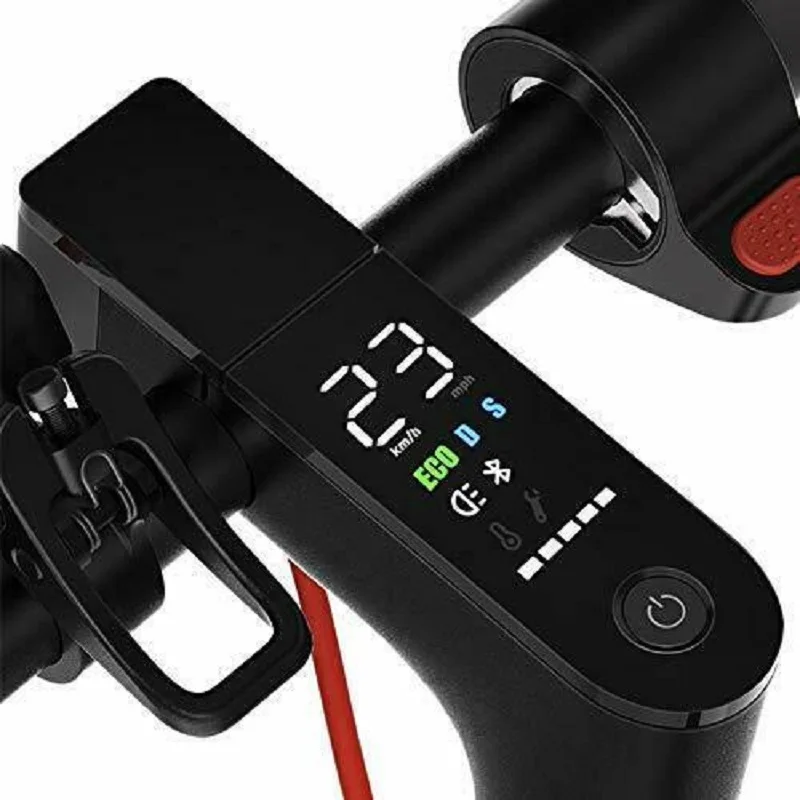
Q1: How do I access the advanced P-settings on this display?
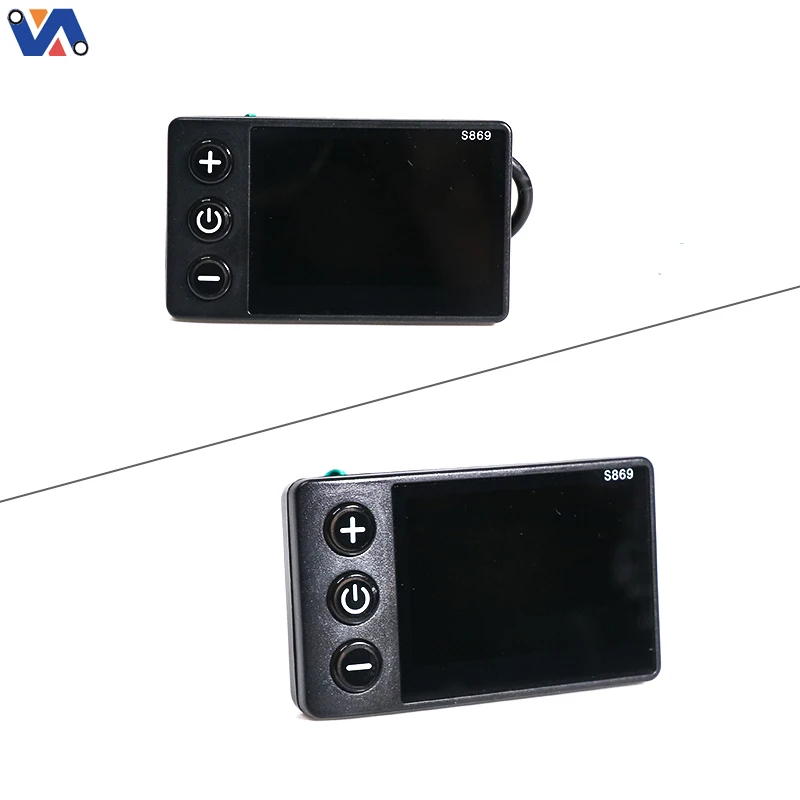
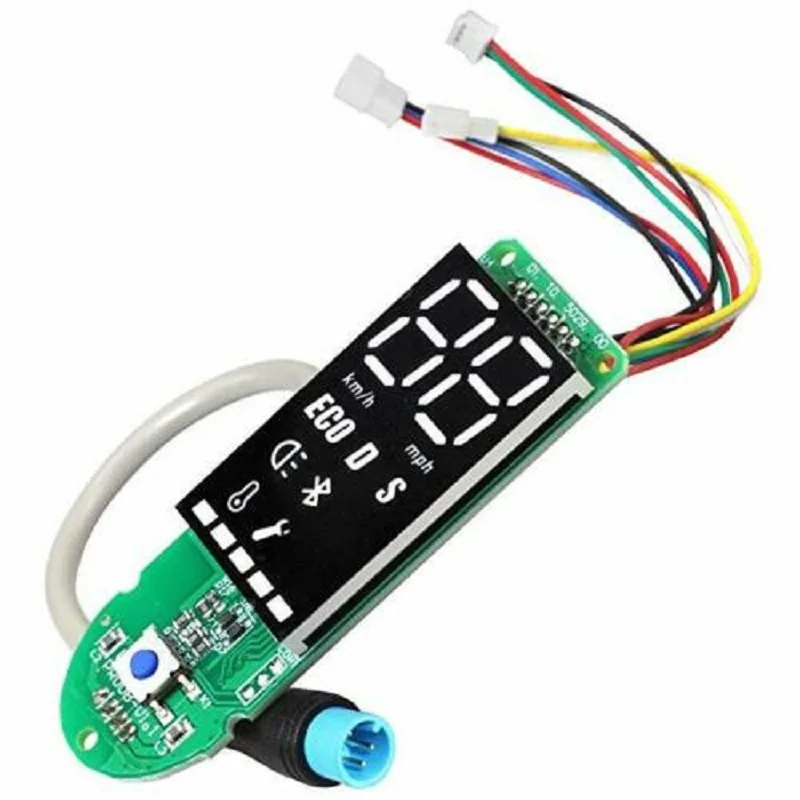
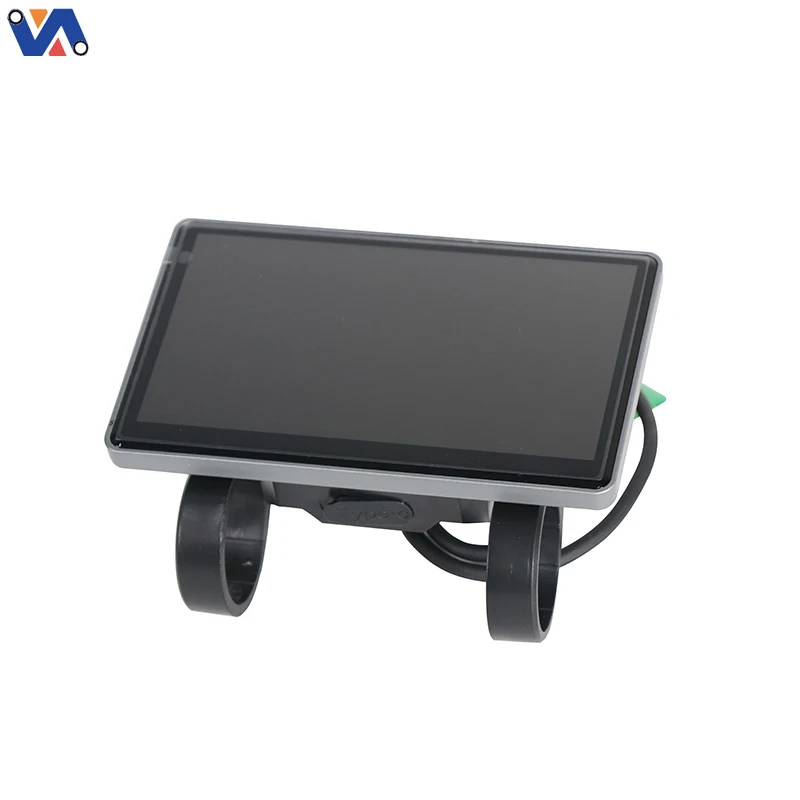
A: You can generally enter the parameter settings menu by holding both the "+" and "-" buttons simultaneously for a few seconds. From there, you can adjust settings like backlight brightness, metric/imperial units (KMH to MPH), and wheel size calibration. Please refer to your Duotts C29 manual for specific parameter definitions.
Q2: My e-bike screen is blank, but the battery is full. Is it the display or the controller?
A: If the battery has output voltage but the screen refuses to turn on, first check the main cable connections. If everything is tight and there is still no power, the display's internal circuit or the 5-pin cable has likely failed. Replacing the display is the easiest and most common way to fix this issue.
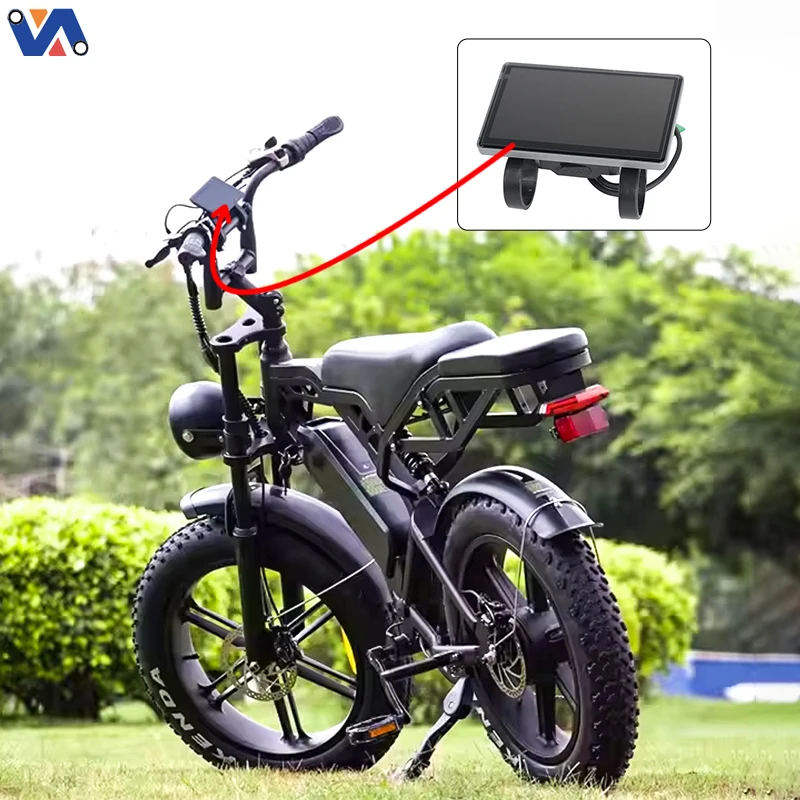
Q3: Will this work on other electric bikes besides the Duotts C29?
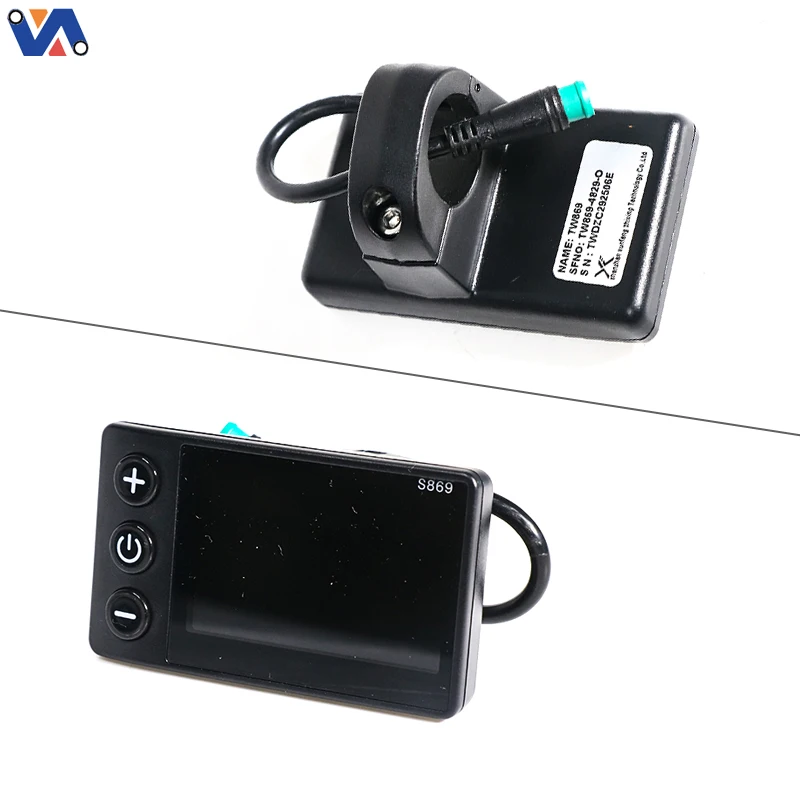
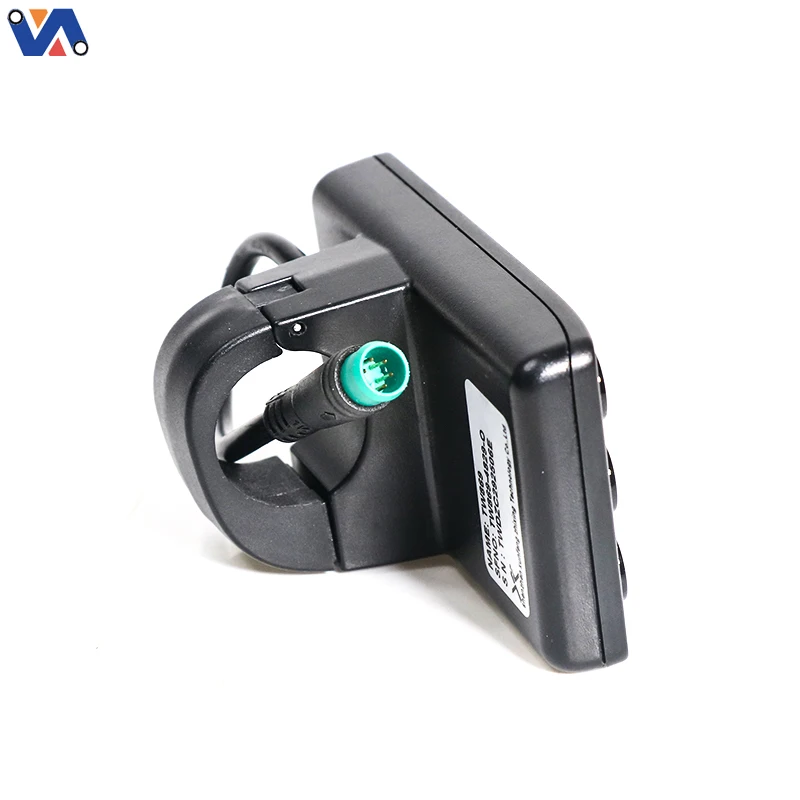
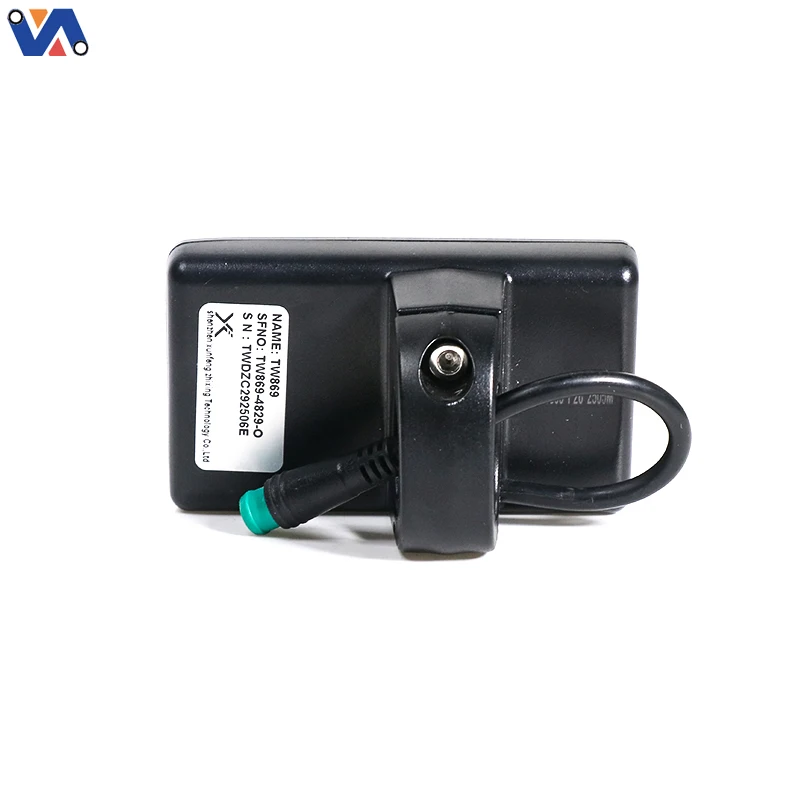
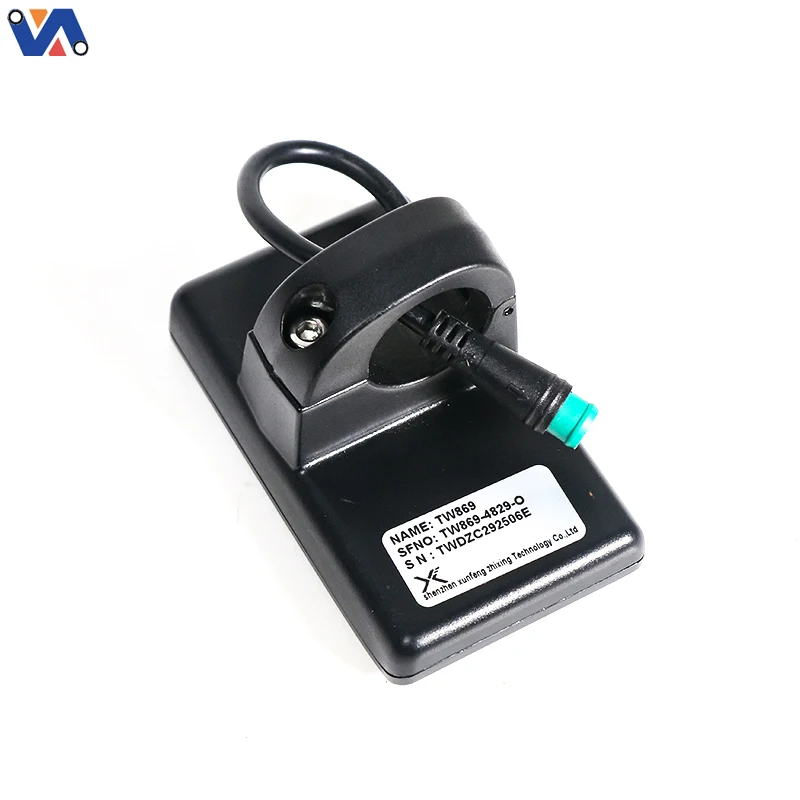
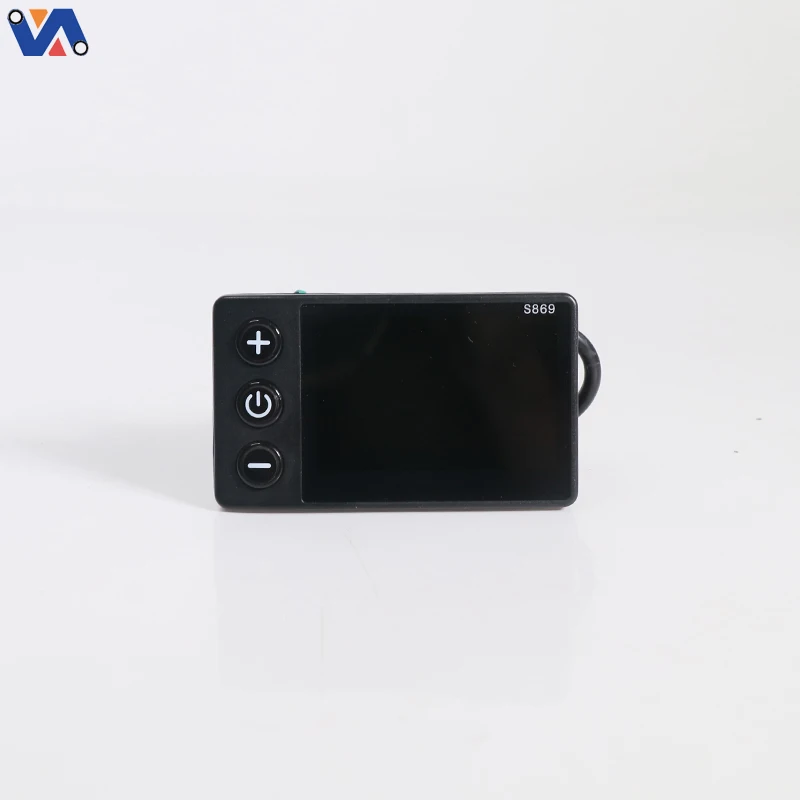
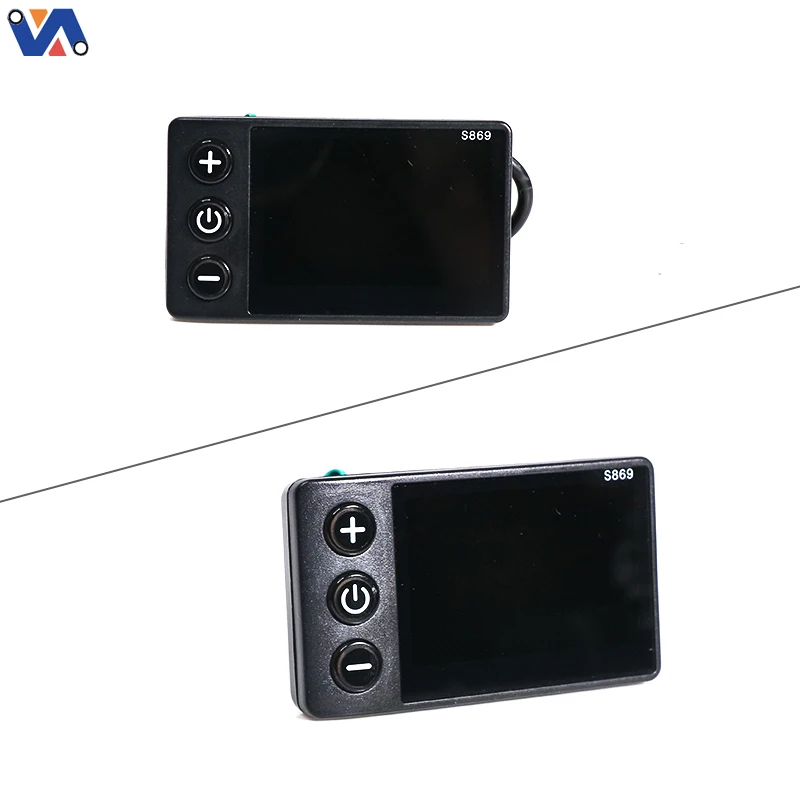
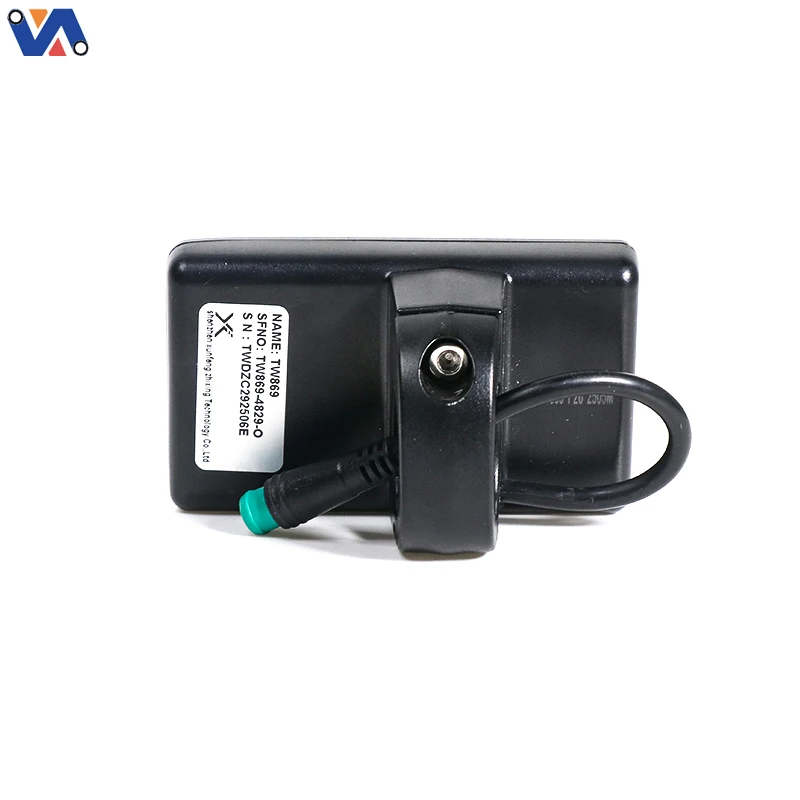
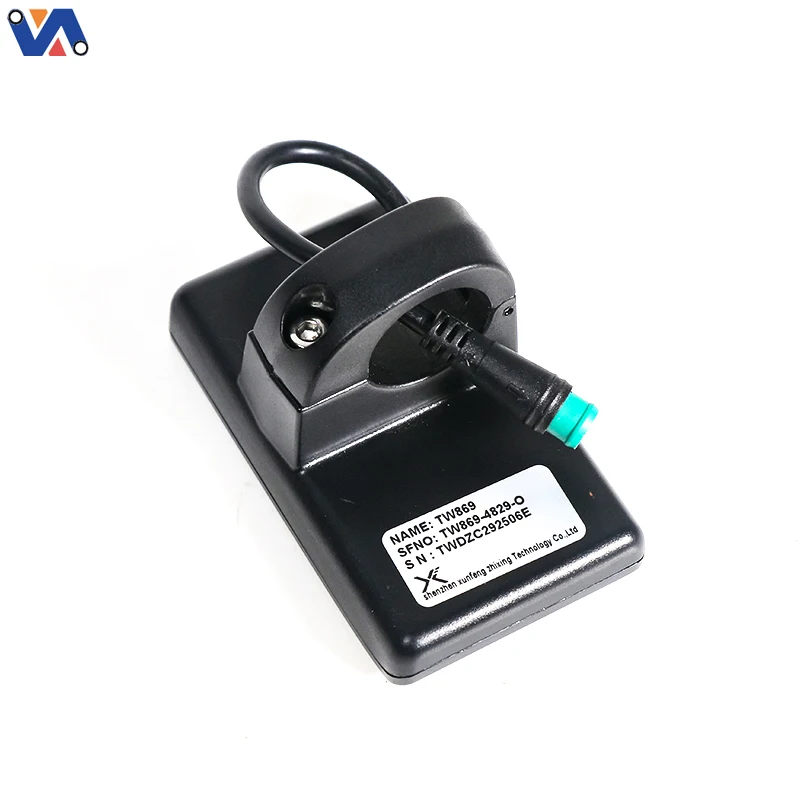
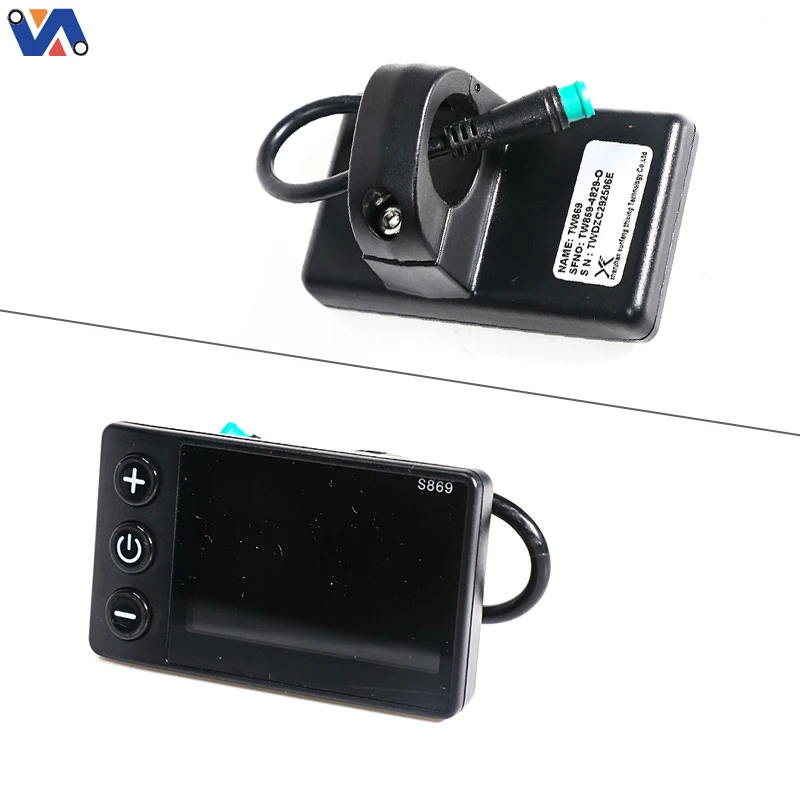
A: While the physical 5-pin plug is standard across many e-bikes, the internal communication protocol must match. If your current broken display says "S869" on the back and has a green 5-pin plug, this unit will work. If your bike uses a different protocol (like SW900 or S866), this display will trigger a communication error (usually Error 30).
 EN
EN